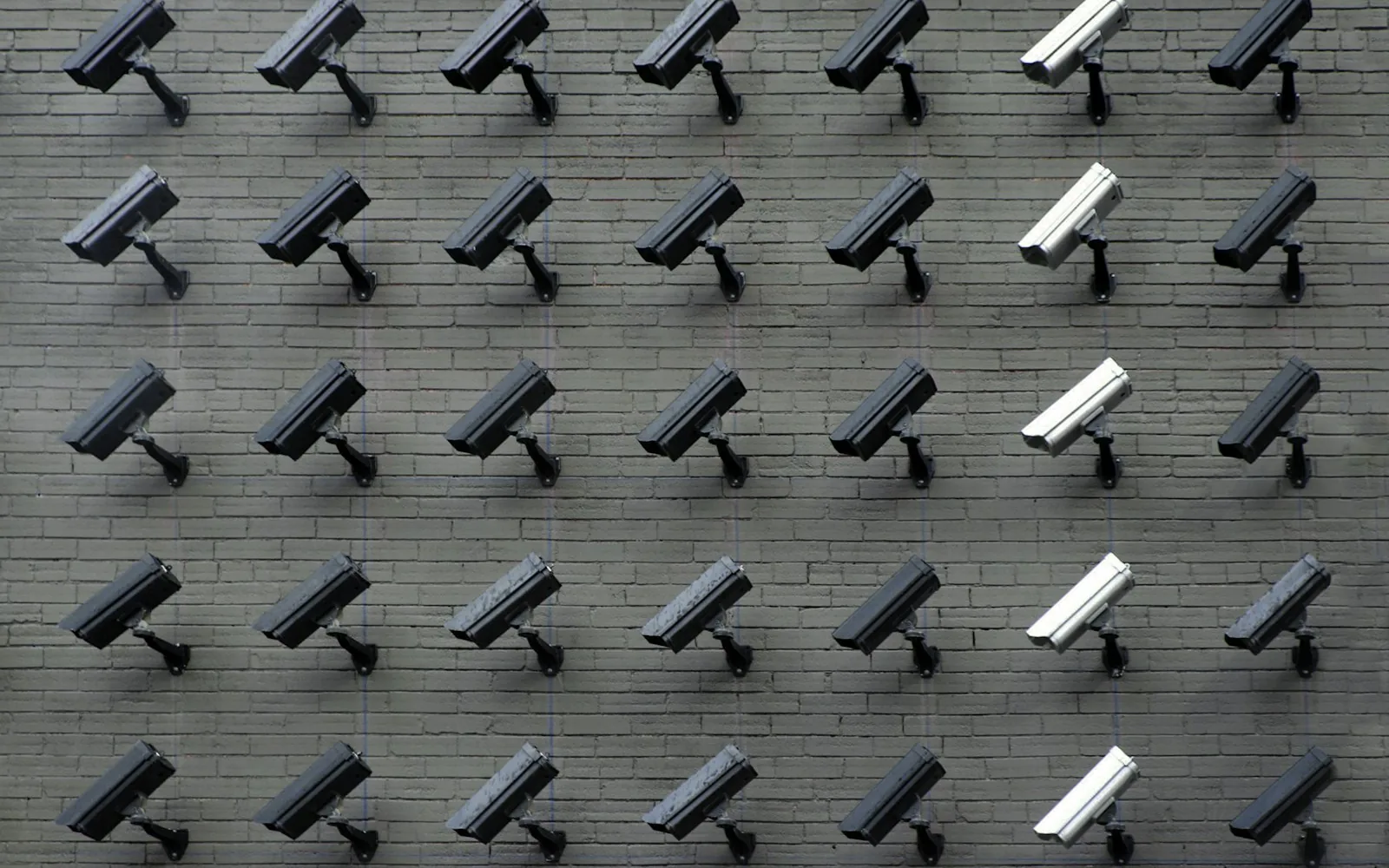
Facial recognition is cheap to buy and easy to switch on. In Canada it involves sensitive personal information, and the bar for using it is high.
Face recognition shows up in surprising places now: door entry systems, time clocks, “smart” cameras for retail, check-in kiosks. Some of it is useful. Much of it collects far more than a small business needs, and in Canada it comes with real legal responsibilities.
This post is general information, not legal advice. If you are considering anything that identifies people by their face, talk to a privacy professional.
Recognition is not the same as detection
Face detection finds that a face is in a picture, for example to blur it. Face recognition works out whose face it is, or checks that it matches a stored one. Recognition relies on a biometric template, a set of numbers describing someone’s face, and that template is sensitive personal information.
The Office of the Privacy Commissioner of Canada published guidance for businesses on biometrics in August 2025. One point surprises many owners: even a system that turns a face into numbers and deletes them within milliseconds can still be collecting sensitive biometric information.
What the guidance asks of businesses
Under PIPEDA, the federal private-sector privacy law, the OPC’s guidance says an organization needs a legitimate need for biometrics, and the program should be effective, minimally intrusive and proportionate to its purpose. It also covers consent, transparency, keeping the data safe and testing systems for accuracy. In British Columbia, many private organizations fall under the provincial Personal Information Protection Act instead, which has its own rules.
In plain terms, ask yourself:
- Is there a real problem this solves, that a less intrusive option can’t?
- Would a key card, a PIN, a booking code or a sign-in sheet do the job?
- Have people clearly agreed, and can they say no and still get the service?
- Where are the face templates stored, who can see them and when are they deleted?
- How often does the system get it wrong, and for whom? Accuracy can vary across groups of people.
Usually, there is a better option
For staff time clocks, a personal code or a phone check-in usually works. For client check-in at a clinic or a studio, a QR code in the booking confirmation is fast and collects nothing sensitive. For loss prevention in a shop, recorded video that nobody runs recognition on is a very different thing from a system that flags faces automatically.
The best biometric system for most small businesses is the one you didn’t need to install.
Where computer vision is fine
Plenty of camera-based tools don’t identify anyone: counting how many people came through the door, reading a QR code, checking that a shelf is stocked or scanning a receipt. Those can be useful and far less risky. We cover some of them in our post on everyday computer vision.
Sources
From the DYOL blog. Photo by Lianhao Qu on Unsplash.
Keep reading
All posts
Voice recognition has quietly got very good. Where it helps
Open speech-to-text models now run on modest hardware and handle many languages. Practical uses for phones, notes and orders, and what to watch for.
Everyday computer vision that doesn’t identify anyone
Cameras and AI can count, read and check things without recognising people. Useful examples for shops, cafés, clinics and clubs.
What’s new in Claude Code: the late-summer releases that matter
Sessions that talk to each other, design in the terminal, background computer use and a way to test plugins. Here is what changed and why it matters.
A free 20-minute conversation, then an honest assessment. You’ll know what it costs and how long it takes, in writing, at a fixed price.
Or email lloyd.delacruz@outlook.com. We reply within 24 hours.